
For current tenants
Pay rent online with Zelle
Paying rent online is fast and free. Follow these steps every month.
- 1
Open your phone camera or banking app.
Most banks have Zelle built into their mobile app.
- 2
Scan the QR code on this page.
The Zelle recipient fills in automatically.
- 3
Check the recipient name.
Make sure it matches the payment details in your lease or welcome letter before you send.
- 4
Enter the full rent and a memo.
Add your property address, unit number and the month, for example “12 Main St Apt 2 – December rent”.
- 5
Send and save your confirmation.
Zelle sends you a receipt once the payment goes through.
Scan to pay with Zelle
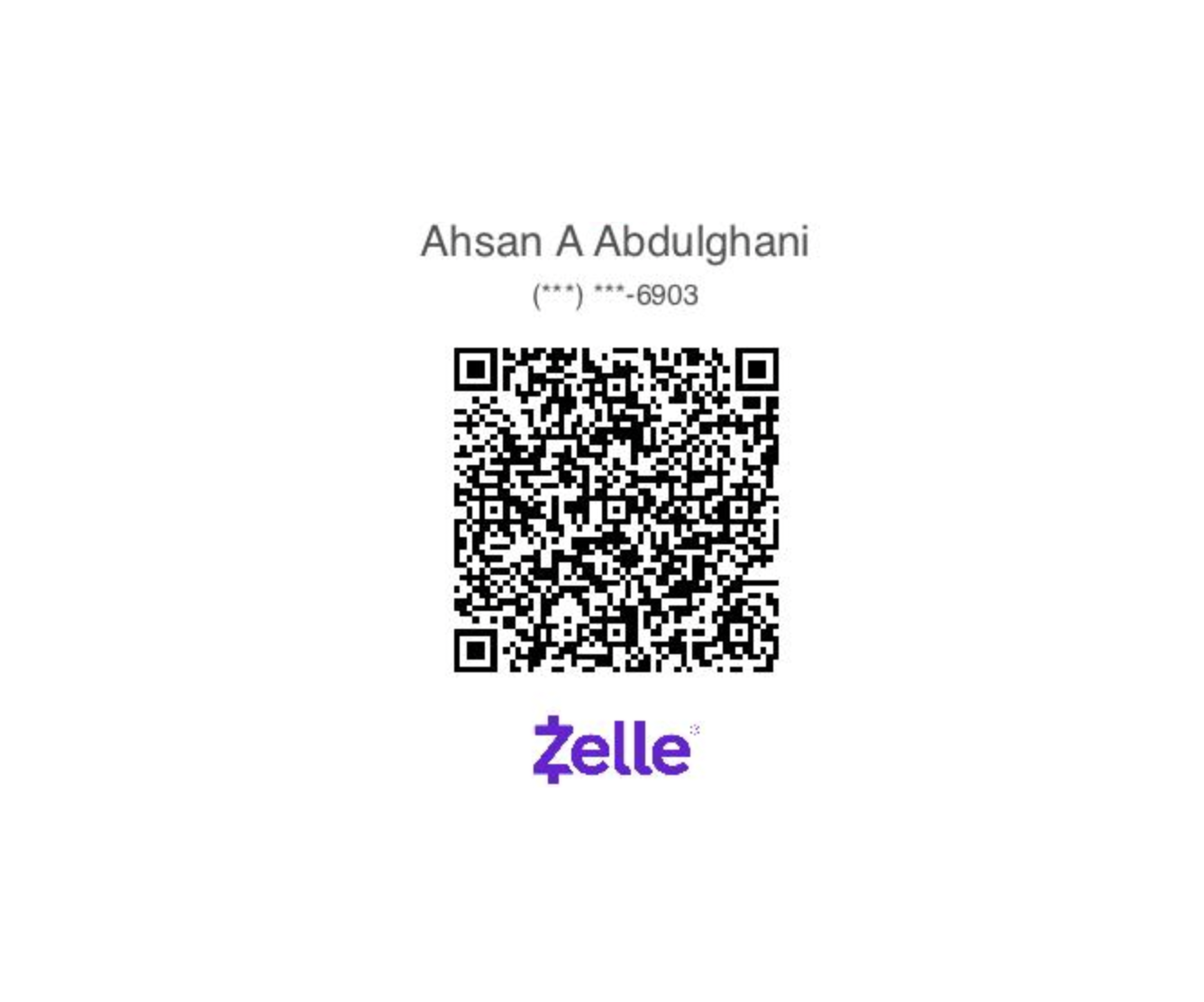
Point your phone camera at the code above. Zelle® is a registered trademark of Early Warning Services, LLC.
Payment problem? Call (856) 796-3780 before the due date.